Maintenance
Overview
The Maintenance page provides two essential server control options — Restart and Shutdown. These allow administrators to manage the G-Immute server directly from the web interface without needing physical or SSH access.
To access this page, click on MAINTENANCE from the left navigation menu.
Restart & Shutdown
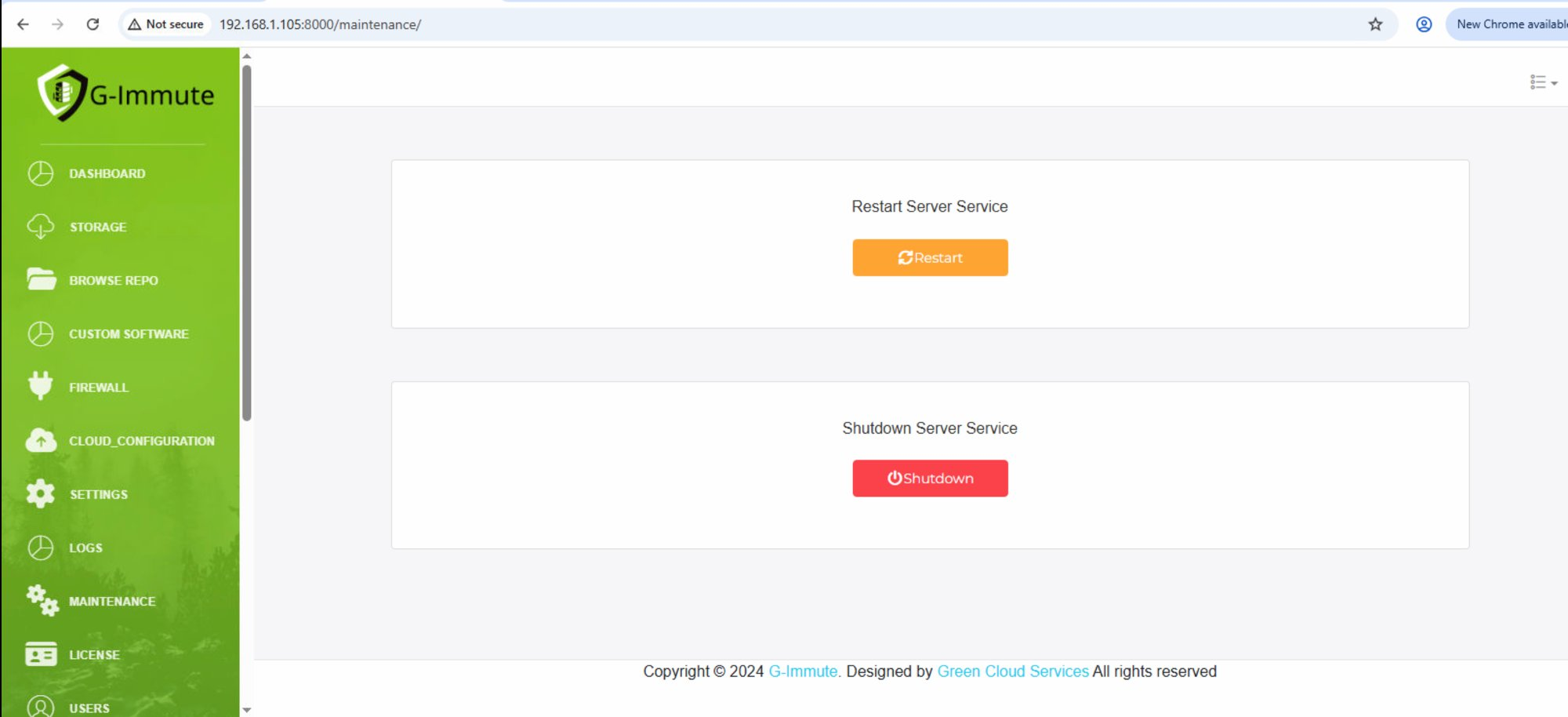
Figure 58 — Maintenance page — Restart and Shutdown options
| Element | Description |
|---|---|
| Restart Server Service | Restarts the G-Immute server service. All active connections will be temporarily interrupted during the restart. Use this after making configuration changes that require a service reload. |
| Restart button (Orange) | Click to initiate a server restart. The system will restart the G-Immute service and resume normal operation automatically. |
| Shutdown Server Service | Completely powers off the G-Immute server. The system will stop all services and shut down. |
| Shutdown button (Red) | Click to initiate a full system shutdown. The server will power off and will need to be manually started again. |
warning
Use Restart and Shutdown with caution. Always ensure no critical backup jobs are running before performing these operations. A restart will briefly interrupt all active connections and backup processes.